AI agents anyone can use.
Describe a task in ChatGPT. RAPP builds the agent, checks it, and runs it on your own data.
One chat, start to finish.
No setup, no code to write, no new account. You stay in the AI you already use.
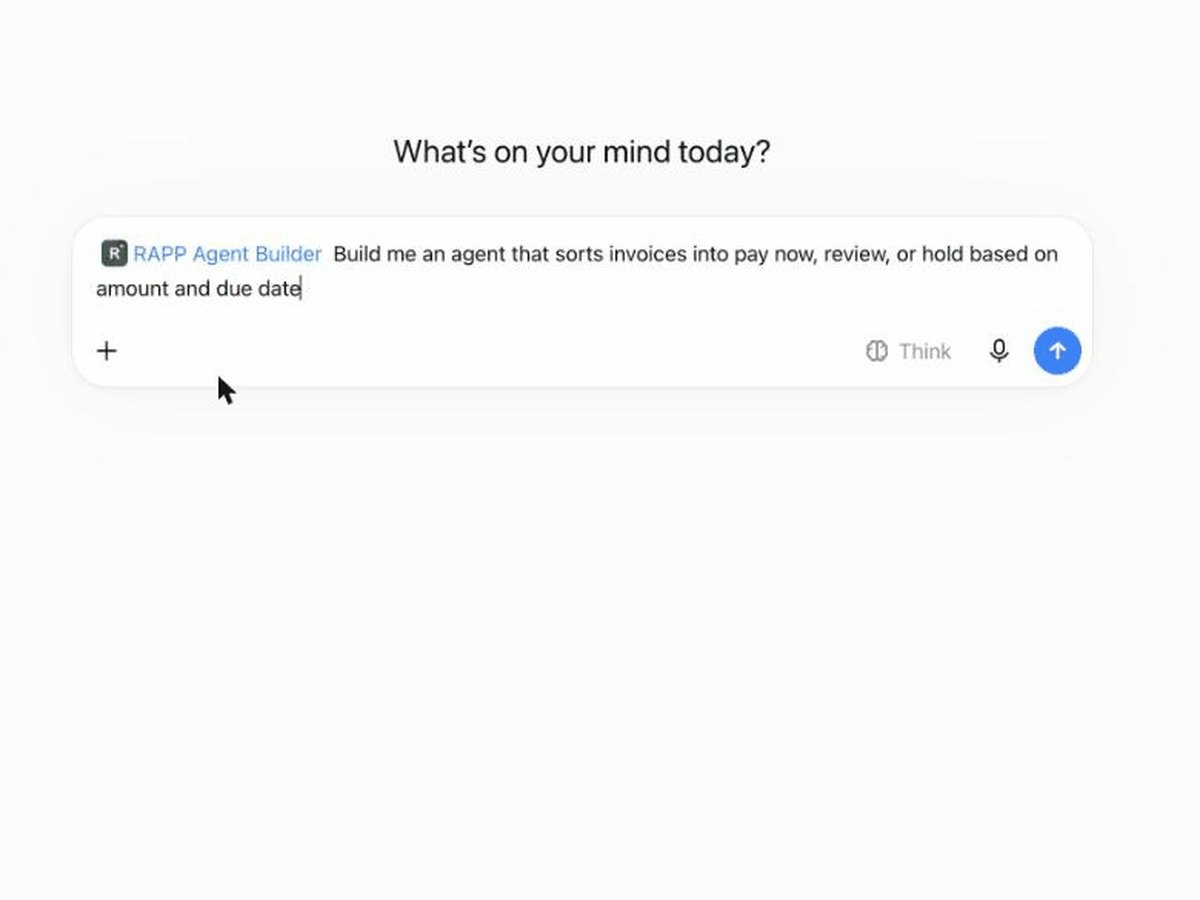
Say what you need
"Build me an agent that sorts invoices into pay now, review, or hold." Or paste a meeting transcript.
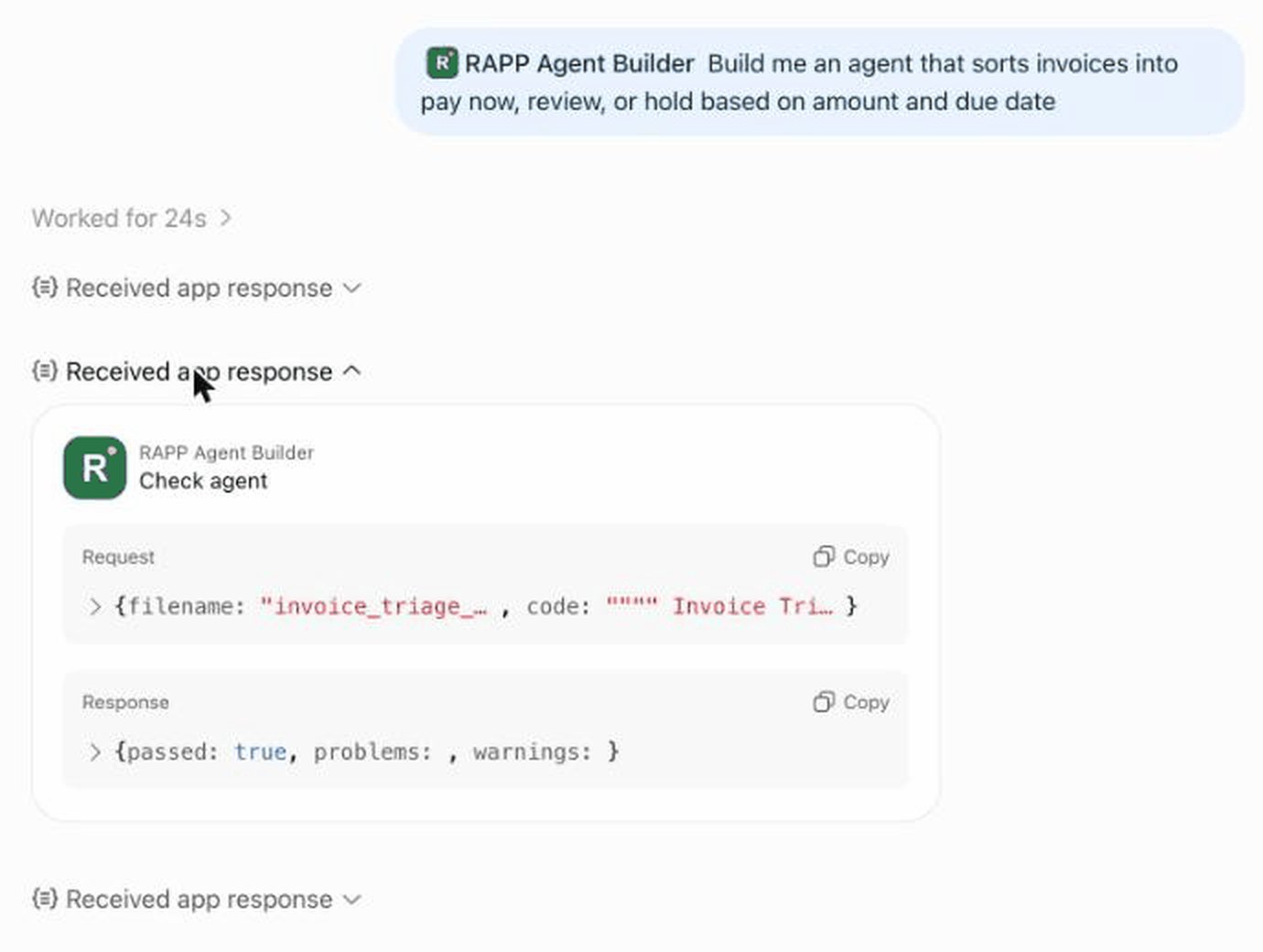
It checks its own work
Every agent is built from one template and checked against its rules until it passes.
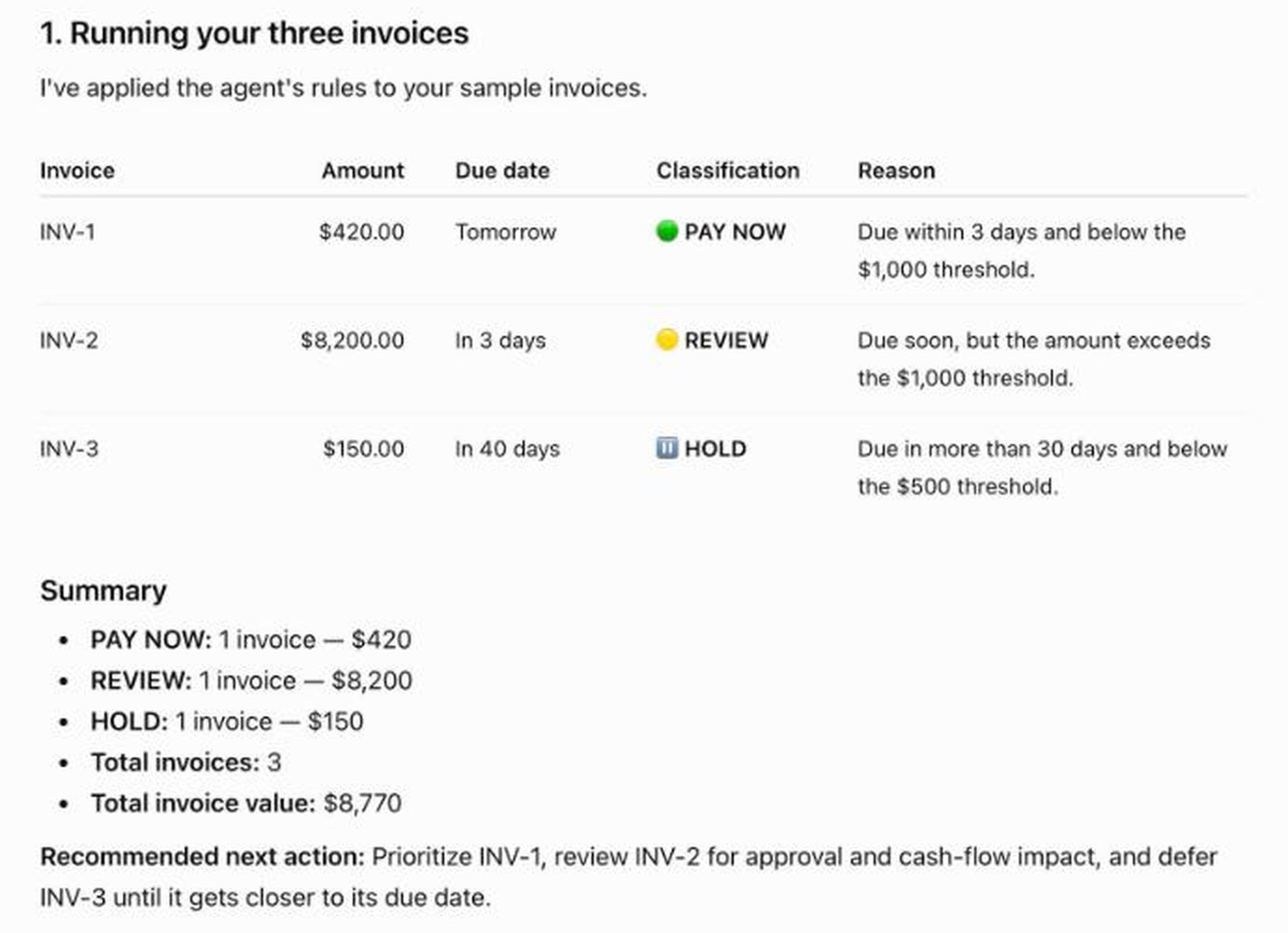
Use it on your data
Paste your list or upload a spreadsheet. The agent runs right there and explains every result.
Five apps. Same idea.
Each one answers a different kind of question, inside the assistant you already use.

RAPP Agent Builder
Turns an idea or a meeting into a working agent, checks it, and lets you use it straight away.

RAR Agent Finder
Searches about 1,700 free, ready-made agents before you build anything.

DOGG World Check
Live numbers about the world with a public fingerprint, so anyone can check them later.
RAPP Name Finder
Name your business and check that the domains and GitHub name are actually free.

RAPP Domains
Brainstorm a name and see which domains you can actually get, with prices, 20 at a time.
It's yours to keep.
Every agent is one small file. Save it, share it with your team, or publish it so others can use it. When you want it working on your own computer, the free RAPP Brainstem runs it there.
Browse the agent registry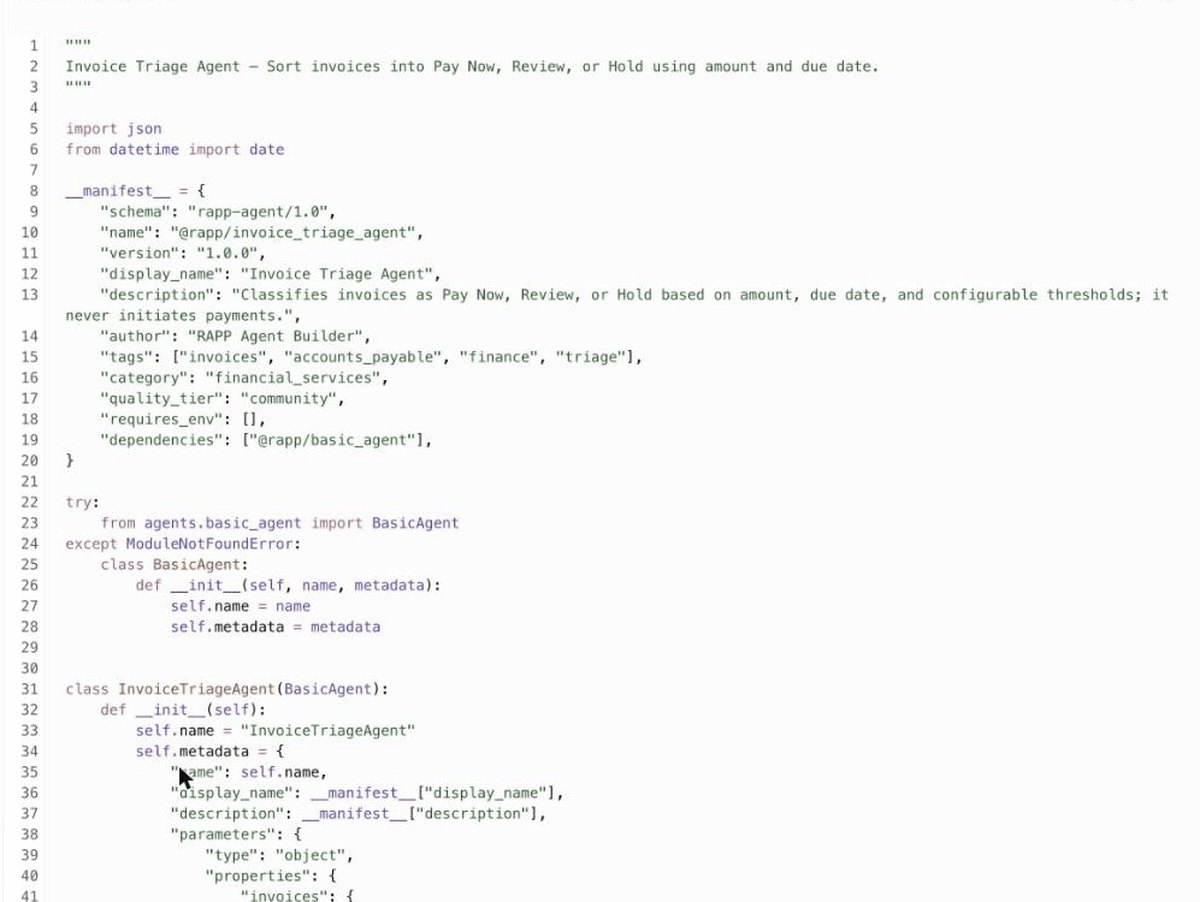
Works where you already are.
Free. No account with us. Nothing you send is stored.
ChatGPT
Coming to the ChatGPT app directory. Search for RAPP Agent Builder once it's live.
Claude
Add RAPP as a connector in Claude's settings.
Claude Code
Install all three apps from the RAPP plugin marketplace.
VS Code and other assistants
Any assistant that supports MCP can connect to RAPP.
Setup details
- Agent Builder:
https://rapp-agent-builder.azurewebsites.net/mcp - Agent Finder:
https://rapp-agent-builder.azurewebsites.net/finder/mcp - World Check:
https://rapp-agent-builder.azurewebsites.net/world/mcp - Domains:
https://rapp-agent-builder.azurewebsites.net/domains/mcp - Name Finder:
https://rapp-agent-builder.azurewebsites.net/names/mcp - AI agents can pay per request (x402, USDC, no account):
GET /x402/worldandPOST /x402/domains/register?domain=NAME. Details in llms.txt. - Claude and other assistants: add a custom connector with one of the addresses above. No sign-in needed.
- Claude Code:
/plugin marketplace add kody-w/rapp-chatgptthen/plugin install rapp-agent-builder@rapp - ChatGPT developer mode: Settings, then Plugins, then Create custom MCP server with an address above.
- RAPP Agent Builder: add to VS Code · add to Cursor
- RAR Agent Finder: add to VS Code · add to Cursor
- RAPP Name Finder: add to VS Code · add to Cursor
- RAPP Domains: add to VS Code · add to Cursor
- DOGG World Check: add to VS Code · add to Cursor
Want it connected to your real systems?
Accounting software, your inbox, a CRM, or a whole team. We'll set it up.