A creature in your Mac's notch.
Hold a key and talk.

It thinks with the GitHub Copilot sign-in you already have. It answers out loud, types for you in any app, reads your screen, and waits in the notch when something needs you.

Download for Mac

Free, open source, signed and notarized. macOS 14+. Or brew tap kody-w/tap && brew trust kody-w/tap && brew install --cask openrappter

First launch: a setup card asks for four powers, then it sets up its own mind, which takes a few minutes and needs an internet connection and Apple's command line tools (macOS offers to install them). Sign in once with a GitHub code it copies for you.
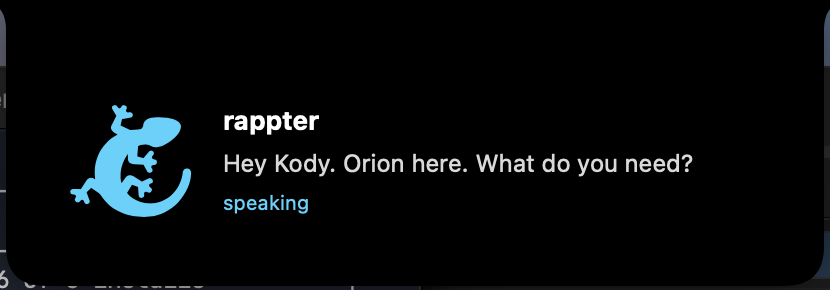
OpenRappter answering out loud in the notch after a hold-and-talk question

Three keys. That's the whole manual.

hold ⌥ Space

Talk

Say it, let go, hear the answer. Your voice becomes words on your Mac when it can (Apple's servers otherwise); the words go to GitHub Copilot through your own sign-in.

hold ⌃⌥ Space

Type for me

What you said lands where your cursor is. Any app, any field.

hold ⇧⌥ Space

Ask about my screen

It takes a picture of the window in front of you, turns it into text on your Mac, and sends that text with your question to GitHub Copilot. Only while you hold the key.

When something needs you, it waits.

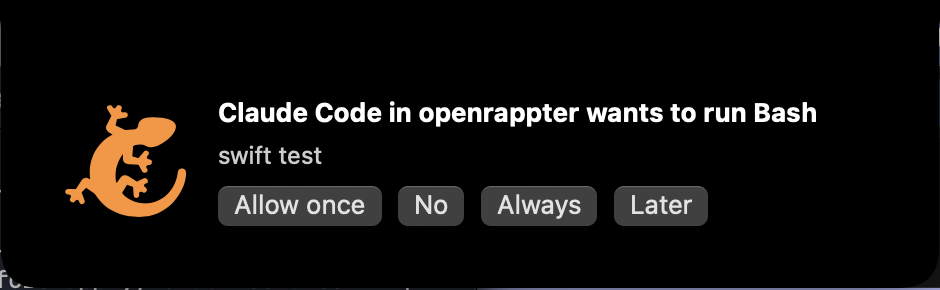
A card in the notch: Claude Code in openrappter wants to run Bash, with Allow once, No, Always, Later buttons

No invented needs. It never speaks first. The creature changes posture and the card sits in the notch until you answer.

  • Claude Code permission prompts show here, with Allow once, No, Always. One click in the menu bar connects it.
  • Any script or cron job can ask you something: drop a JSON file in ~/.openrappter/needs/.
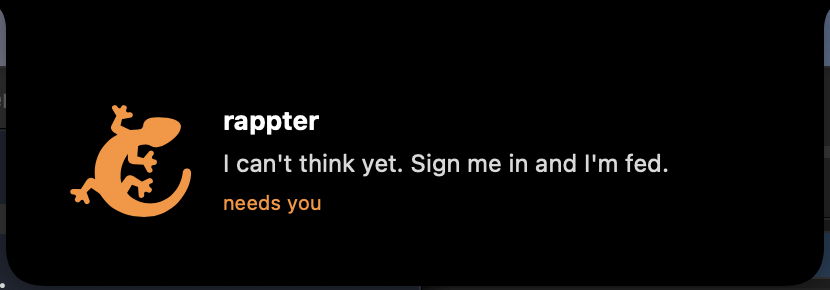
  • Hungry is honest. If its mind isn't signed in, it says so and gives you the one button that fixes it.

Your Mac is the computer. Not someone's cloud.

  • No new keys, no new bill. It uses the GitHub Copilot seat you already pay for.
  • A mind you can read. The brain is an unchanged, pinned RAPP Brainstem kernel running as a login service on your Mac. The app only talks to it through three plain HTTP calls: health, chat and sign-in.
  • Keeps working when you quit. The mind is a service, the app is a face.
  • Off until you say yes. Typing needs Accessibility, screen reading needs Screen Recording. Asked once, never assumed.
The creature in the notch saying: I can't think yet. Sign me in and I'm fed.